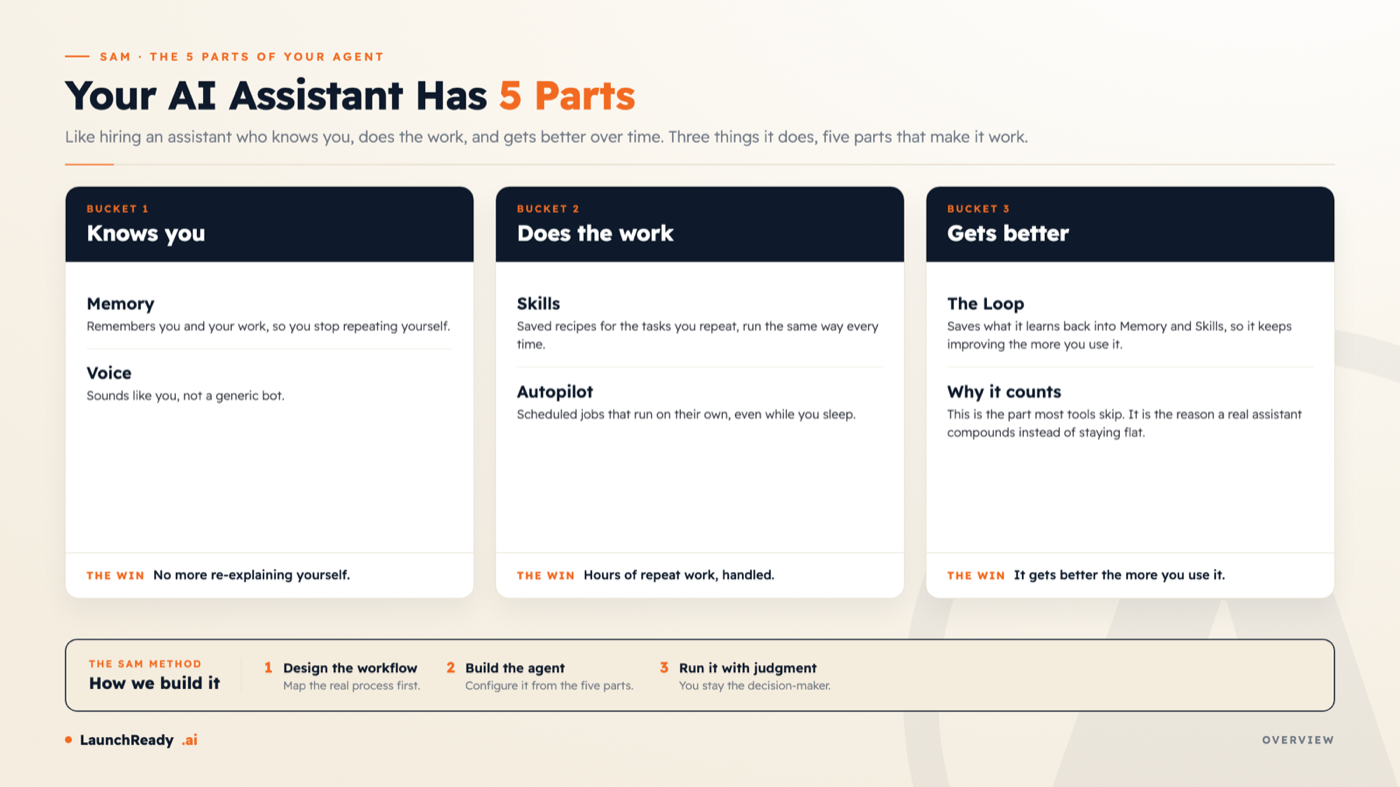
A working AI assistant has five parts: Memory, so it knows you; Voice, so it sounds like you; Skills, the saved playbooks it follows; Autopilot, the scheduled work it runs on its own; and the Loop, the part that makes it better the more you use it. Once you can name them, the whole thing stops feeling like magic and starts feeling like something you can build.
Most of us meet AI as a chat box. You type a question, you get an answer, you close the tab. It is useful, and it forgets you the second you leave. A real AI assistant is closer to hiring someone. A good assistant knows you, does the work, and gets better the longer you work together. Underneath, that comes down to five parts. Once you can name them, the whole thing stops feeling like magic and starts feeling like something you can build. Learning to see these parts is part of climbing The 7 Levels of AI Proficiency, the standard we use to measure how AI-capable a person or a team has become.
The five parts, grouped into three jobs
Think of it like hiring an assistant who knows you, does the work, and gets better over time. Three jobs, five parts.
- Knows you: Memory and Voice.
- Does the work: Skills and Autopilot.
- Gets better: the Loop.
The rest of this piece walks each one in plain language, with an example of what it does for you.
Memory
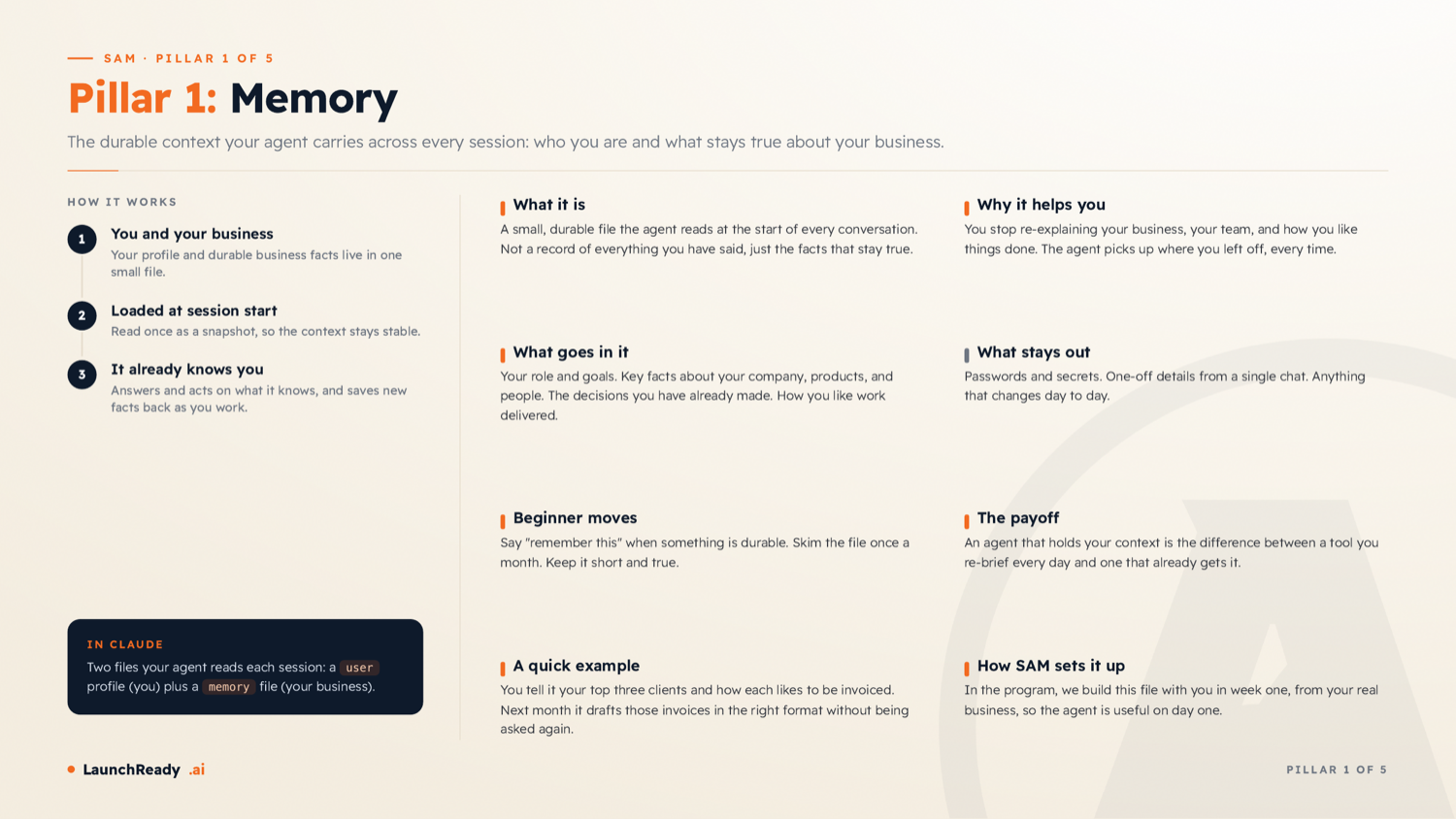
Memory is a small, durable file the agent reads at the start of every conversation. It holds just the facts that stay true, a short profile of you and your business, rather than a transcript of every chat.
It holds your role and goals, key facts about your company, products, and people, the decisions you have already made, and how you like work delivered. Keep secrets and one-off details out of it.
The payoff: you stop re-explaining your business, and the agent picks up where you left off every time. Tell it your top three clients and how each likes to be invoiced, and next month it drafts those invoices in the right format without being asked again.
Voice
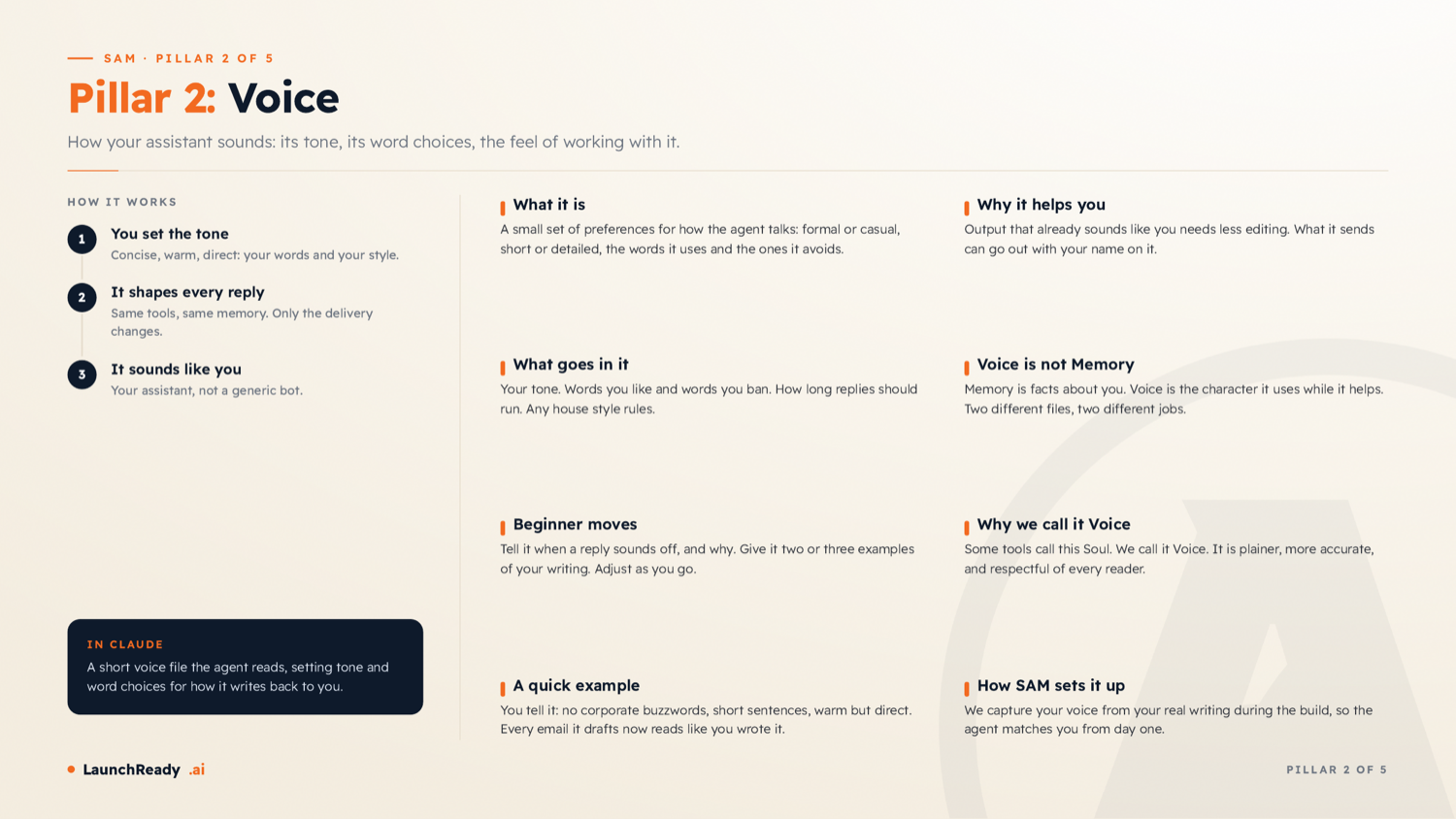
Voice is how your assistant sounds, its tone and its word choices. It does not change what the agent knows, only how it says it.
Set it to be concise, warm, direct, and in your words, and what it writes can go out with your name on it with little editing.
Voice and Memory do different jobs. Memory is the facts about you. Voice is the character it uses while it helps. We chose the name Voice over "soul" on purpose. It is plainer, more accurate, and it respects every reader.
Skills
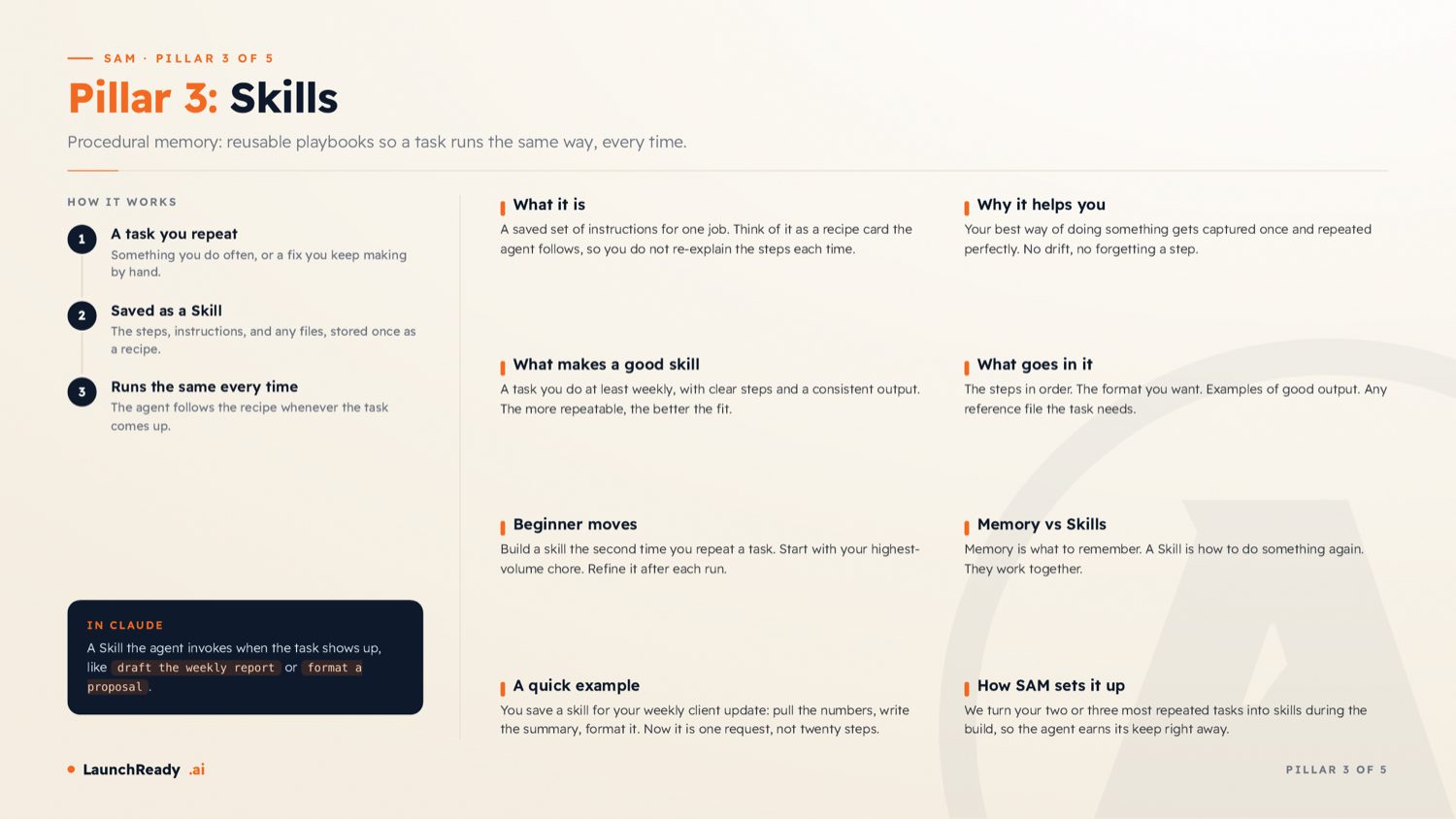
Skills are reusable playbooks, so a task runs the same way every time. Think of a skill as a recipe card the agent follows: the steps in order, the format you want, and an example of good output.
The best candidates are tasks you do at least weekly with a consistent result. Memory is what to remember. A skill is how to do something again.
Save a skill for your weekly client update, and what used to be twenty steps becomes one request.
Autopilot
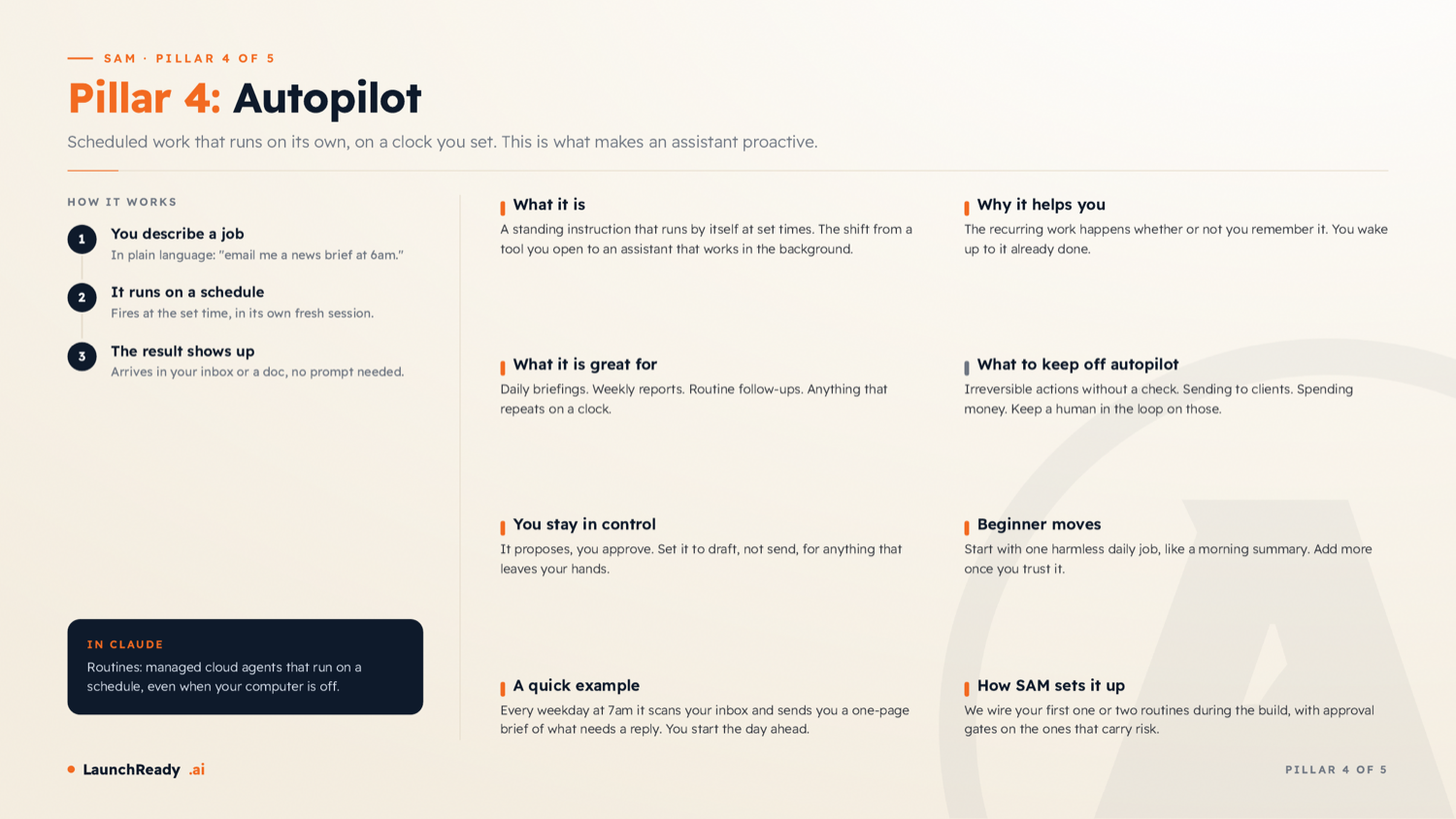
Autopilot is scheduled work that runs on its own, on a clock you set. This is the step from a tool you open to an assistant that works in the background.
It is great for daily briefings, weekly reports, and routine follow-ups. You stay in control: it proposes, you approve anything risky, and you set it to draft rather than send for anything that leaves your hands. Keep irreversible actions on a human check.
Every weekday at 7am it sends you a one-page brief of what needs a reply, and you start the day ahead.
The Loop
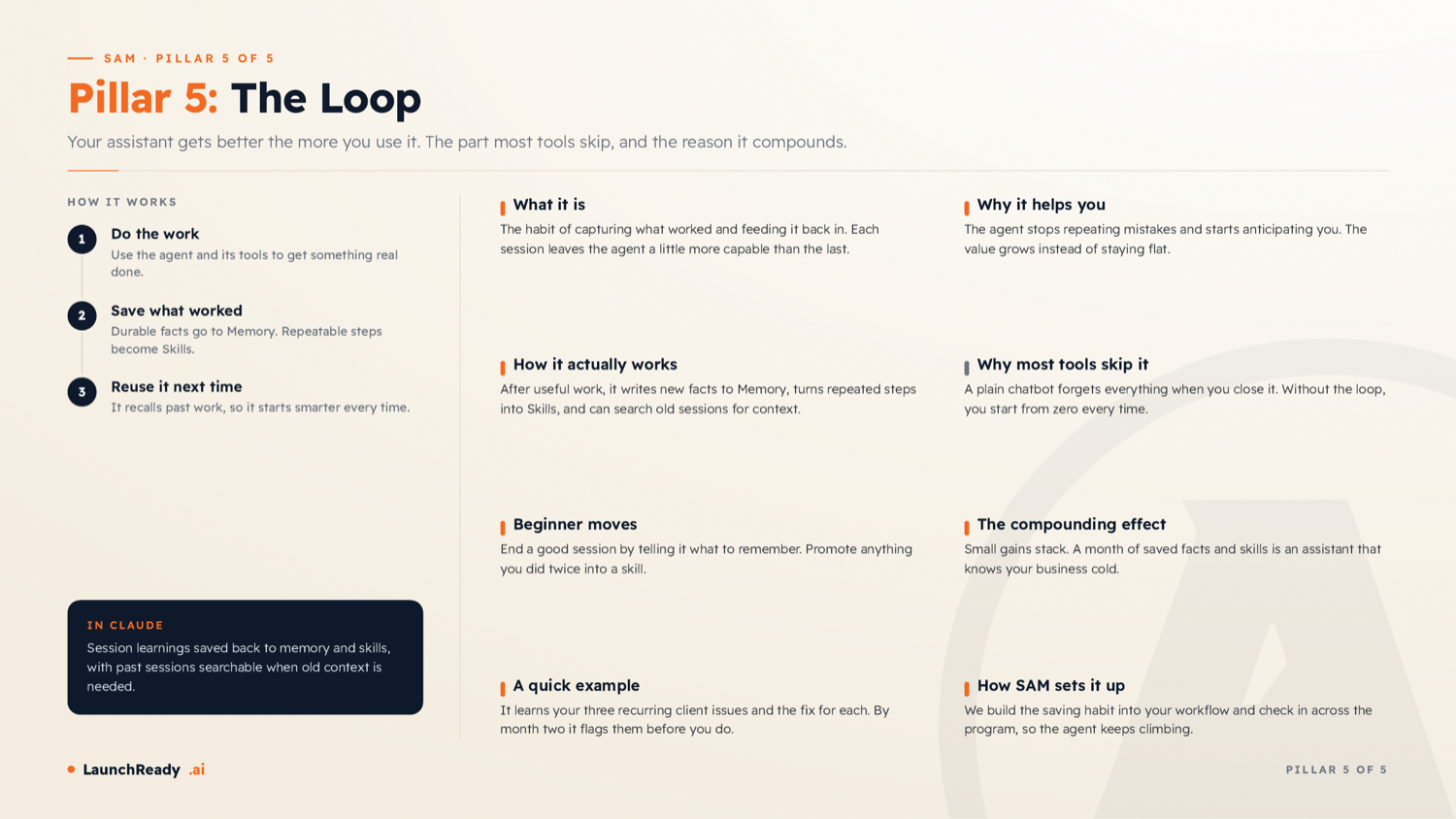
Your assistant gets better the more you use it, and this is the part most tools skip. After useful work, it saves durable facts to Memory, turns repeated steps into Skills, and can search past sessions for context.
A plain chat box forgets everything when you close it. With the loop, small gains stack. A month of saved facts and skills is an assistant that knows your business cold.
A bonus: context files
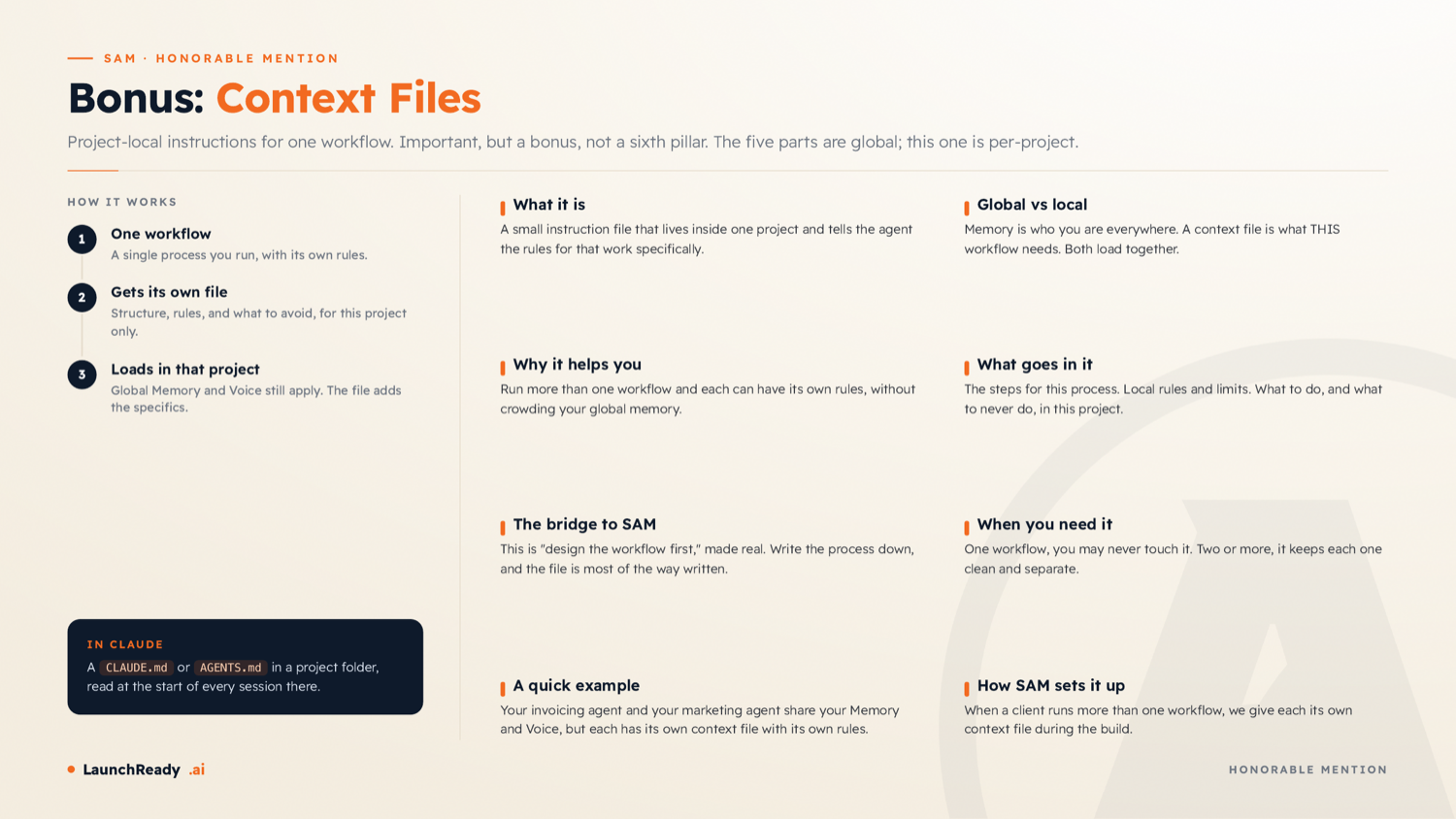
The five parts are global. They travel with you everywhere. A context file is local to one workflow, the rules for that project specifically.
Run more than one workflow and each can have its own file without crowding your global memory. This is "design the workflow first" made real. Write the process down, and the file is most of the way written.
Where SAM comes in
You do not have to assemble these five parts by trial and error. That is what SAM (Strategic AI Manager) does.
SAM is a done-with-you LaunchReady program. We design your core workflow first, then build your own agent to run it, from these same five parts, on your own account. You stay the decision-maker the whole way, which is what we mean by "Human IS the Loop," and we measure the climb on The 7 Levels of AI Proficiency.
Three things to try this week
Start a memory file.
Write a short page on your business and how you like work done, and tell your assistant to read it first.
Turn one repeat task into a skill.
Pick your highest-volume chore and save the steps once.
Set one harmless autopilot job.
A morning summary is a safe place to start.
Knowing the five parts is the first step. To see where you stand, take the free 7 Levels of AI Proficiency assessment. It takes about ten minutes and shows you the next move.
Sources
- Anthropic, Claude memory and context documentation (how an agent reads durable facts and context at the start of a conversation). Anthropic docs home.
- Anthropic, Claude Agent Skills documentation (reusable, repeatable playbooks an agent follows the same way each time). Anthropic docs home.
- Anthropic, Claude Code and scheduled agents documentation (scheduled work that runs on its own on a clock you set). Claude docs home.
Frequently Asked Questions
What are the parts of an AI assistant?
Five: Memory (it knows you), Voice (it sounds like you), Skills (saved playbooks), Autopilot (scheduled work), and the Loop (it improves as you use it).
What is the difference between Memory and Skills?
Memory is what to remember about you and your business. A Skill is how to do a specific task again the same way.
Do I need to code to set this up?
No. These are written in plain language. The skill is knowing what to put in each part, which is what The 7 Levels of AI Proficiency helps you build.
What is SAM?
SAM (Strategic AI Manager) is a LaunchReady done-with-you program that designs your workflow and builds your own AI agent to run it, on your account, measured on The 7 Levels of AI Proficiency.
How long until the assistant gets better?
It improves from the first week as you save facts and turn repeat tasks into skills. The gains compound over a month or two of regular use.

Bring us the work that keeps coming back to you.
We will trace the workflow, identify where a system can create capacity, and decide what should remain with your people.